
WCAG Accessibility Quiz
Instructional design, accessibility education, vibe coding
Read the case studyTry the quiz →
Bridging the gap between WCAG documentation and practice
Designers struggle to learn accessibility from WCAG documentation alone. The guidelines are dense and technical, making it hard to recognize violations in actual interfaces. I wanted to create a hands-on way for designers to practice spotting common accessibility issues before they ship inaccessible work.
My goal was to build an interactive quiz that helps designers identify WCAG violations in realistic UI mockups and understand why they matter — not just “this is wrong,” but “here's the impact on real users.” The end goal: help designers feel more confident auditing their own work for accessibility issues.
Character-driven learning
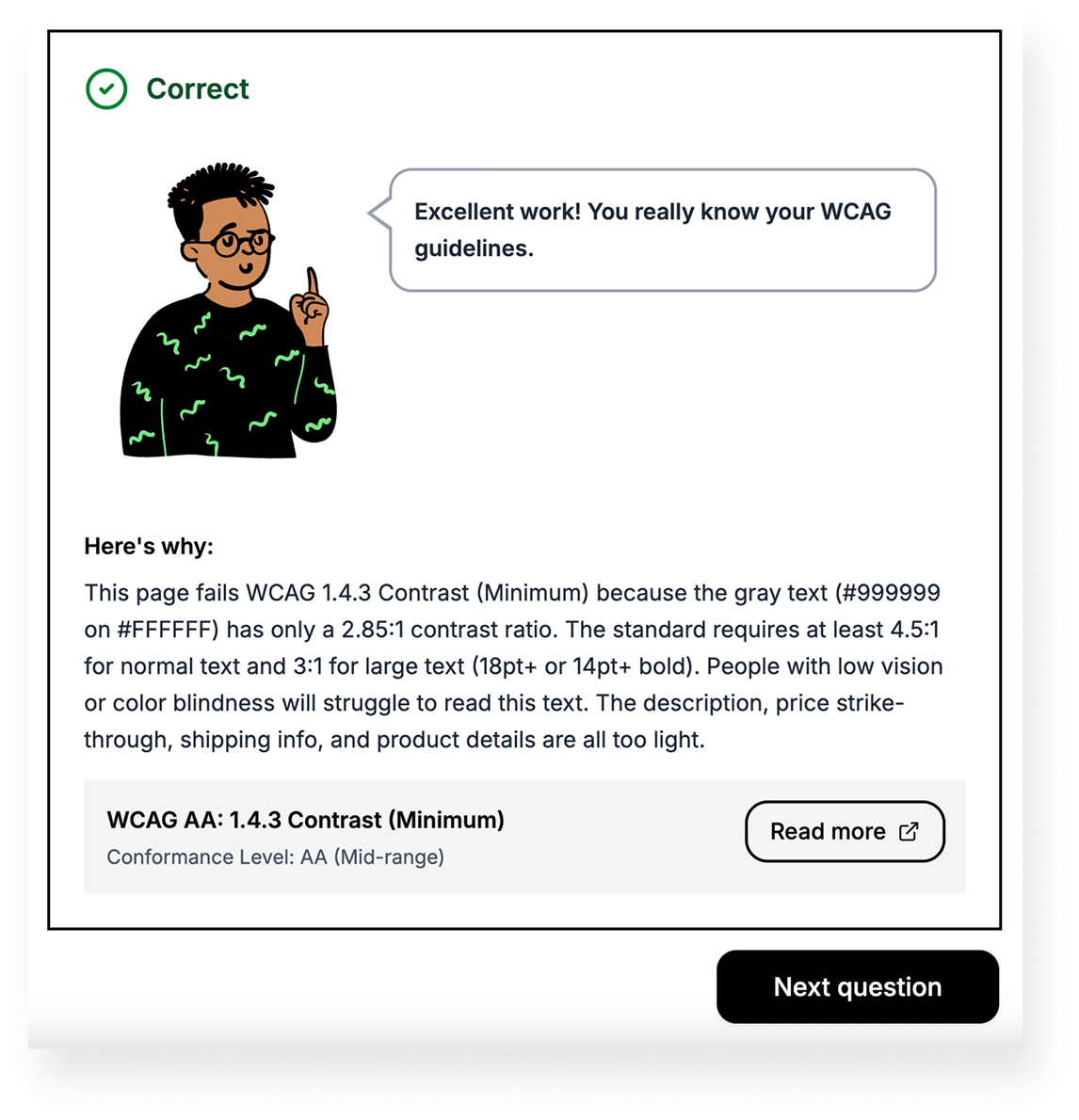
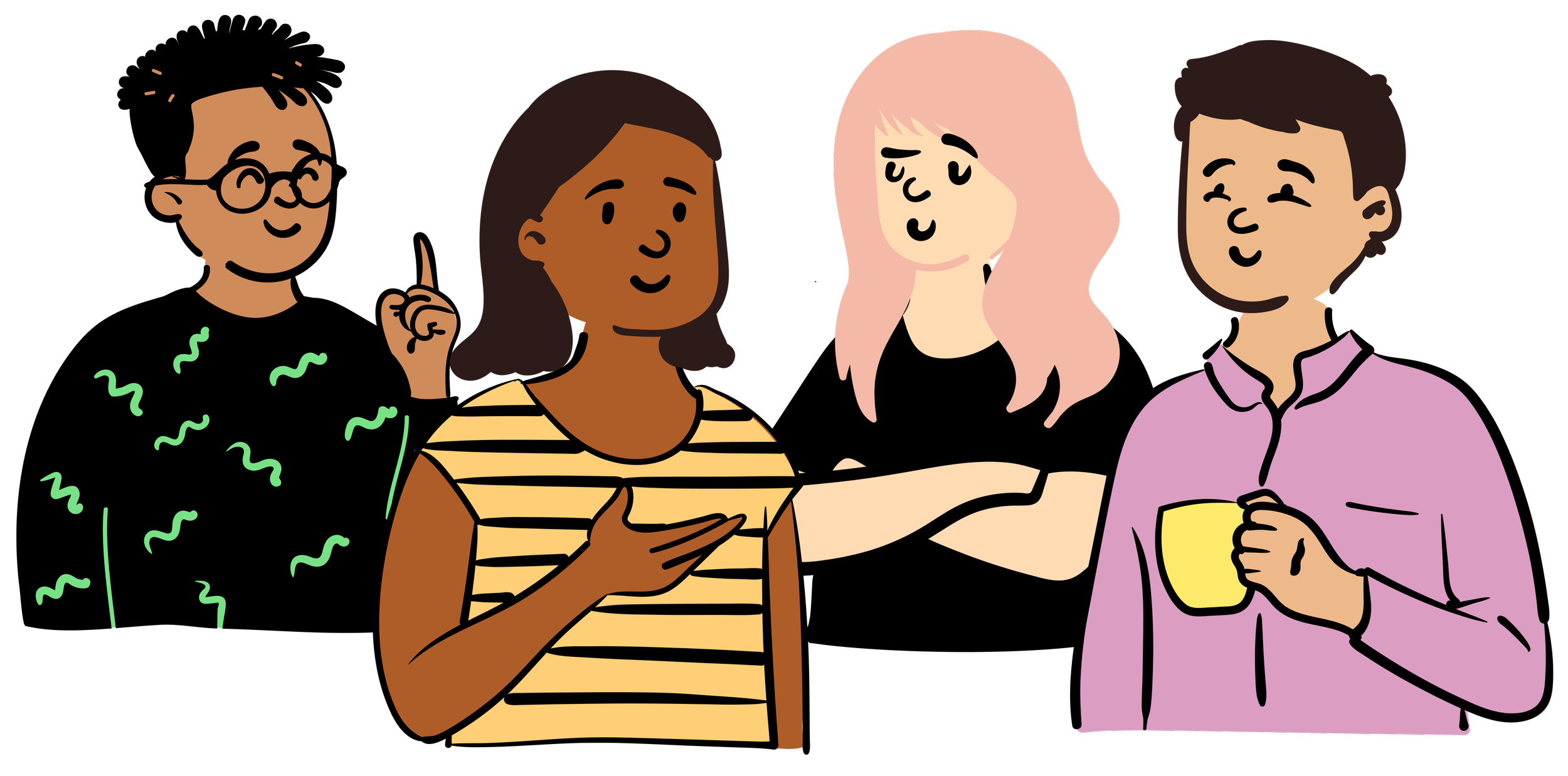
Inspired by Duolingo, I created four character guides with different personalities (Ari, Bea, Quinn, and Sunny) who walk learners through the quiz. Each character delivers questions and feedback in their own voice, making the experience feel conversational and human.
I used designer Pablo Stanley's hand-drawn illustration library “Open Peeps” to mix and match body, head, and facial expression templates into colorful, quirky characters.
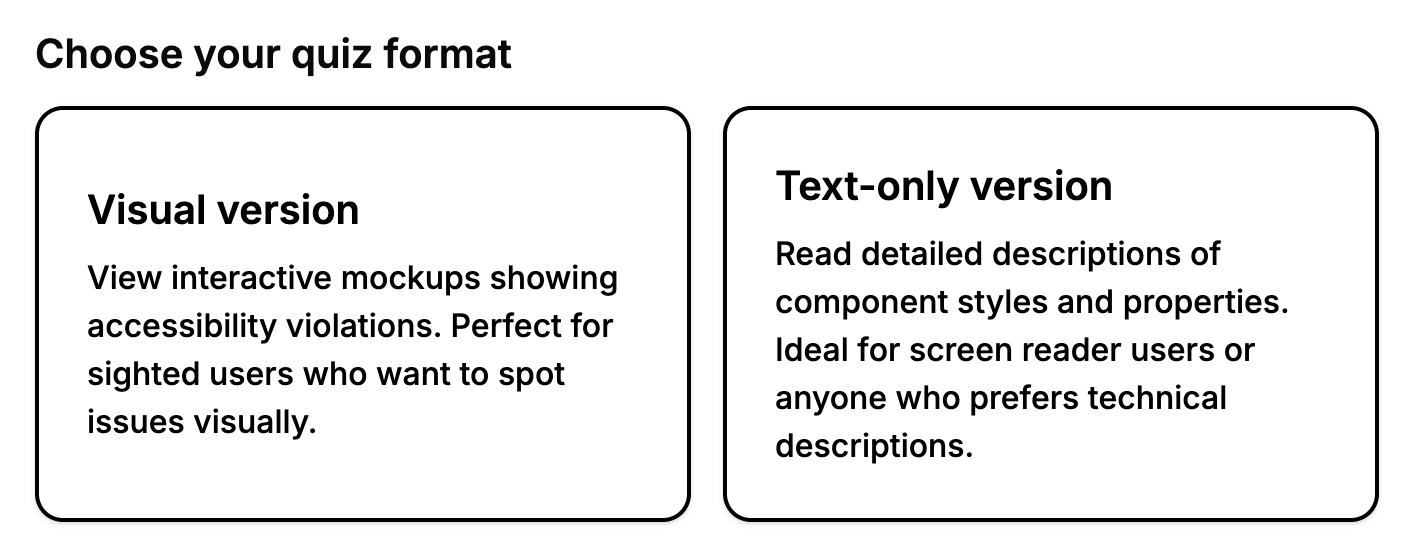
Two learning modes
To practice what I was teaching, I built both a visual mode (mockups) and a text-only mode (detailed component descriptions). This ensured the quiz would work for screen reader users and demonstrates that accessible design doesn't mean one size fits all.
Immediate, contextual feedback
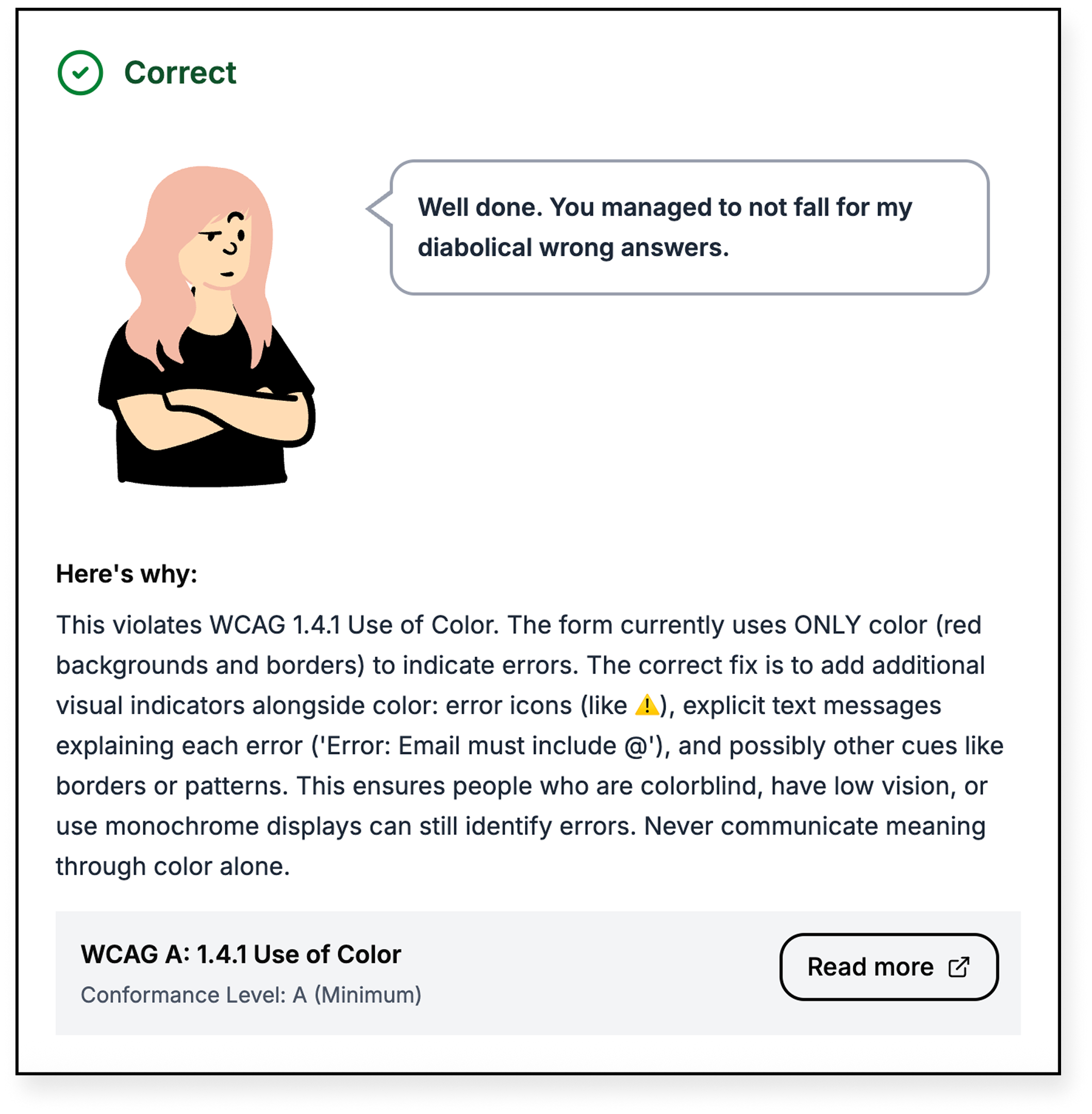
After each question, learners see whether they got it right, a character response, an explanation of why it matters to real users, and a link to the relevant WCAG standard. This helps them understand the reasoning, not just memorize rules.
Initial testing
I consulted a designer with more accessibility expertise for feedback. After making changes, I tested it on two others who knew nothing about accessibility. One got several wrong answers, but learned in the process and appreciated the explanations. The other actually aced the quiz and found the principles to be intuitive.
What’s next
The quiz currently has 8 questions covering violations like color contrast, link context, and form labeling. If I had more time, I'd:
Research the most common WCAG violations to build a more comprehensive question set
Test with actual screen reader users to validate the text-only mode
Run more user testing with designers of different skill levels
This was a fun experience for me to refresh my own accessibility knowledge while learning to build interactive tools with AI-generated code.
Previous project